Hewlett Packard / 2023
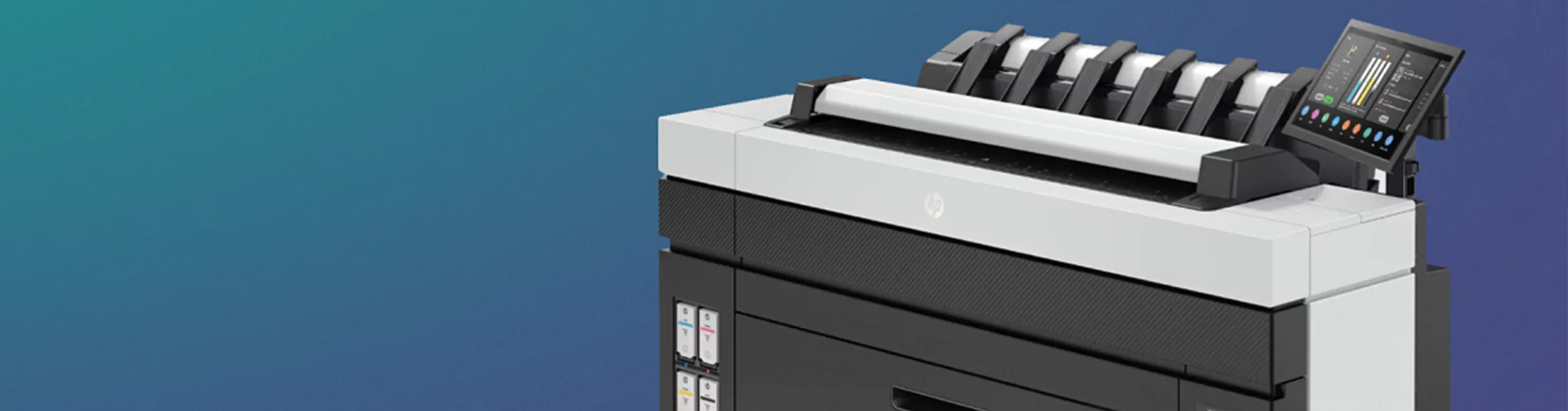
HP DesignJet
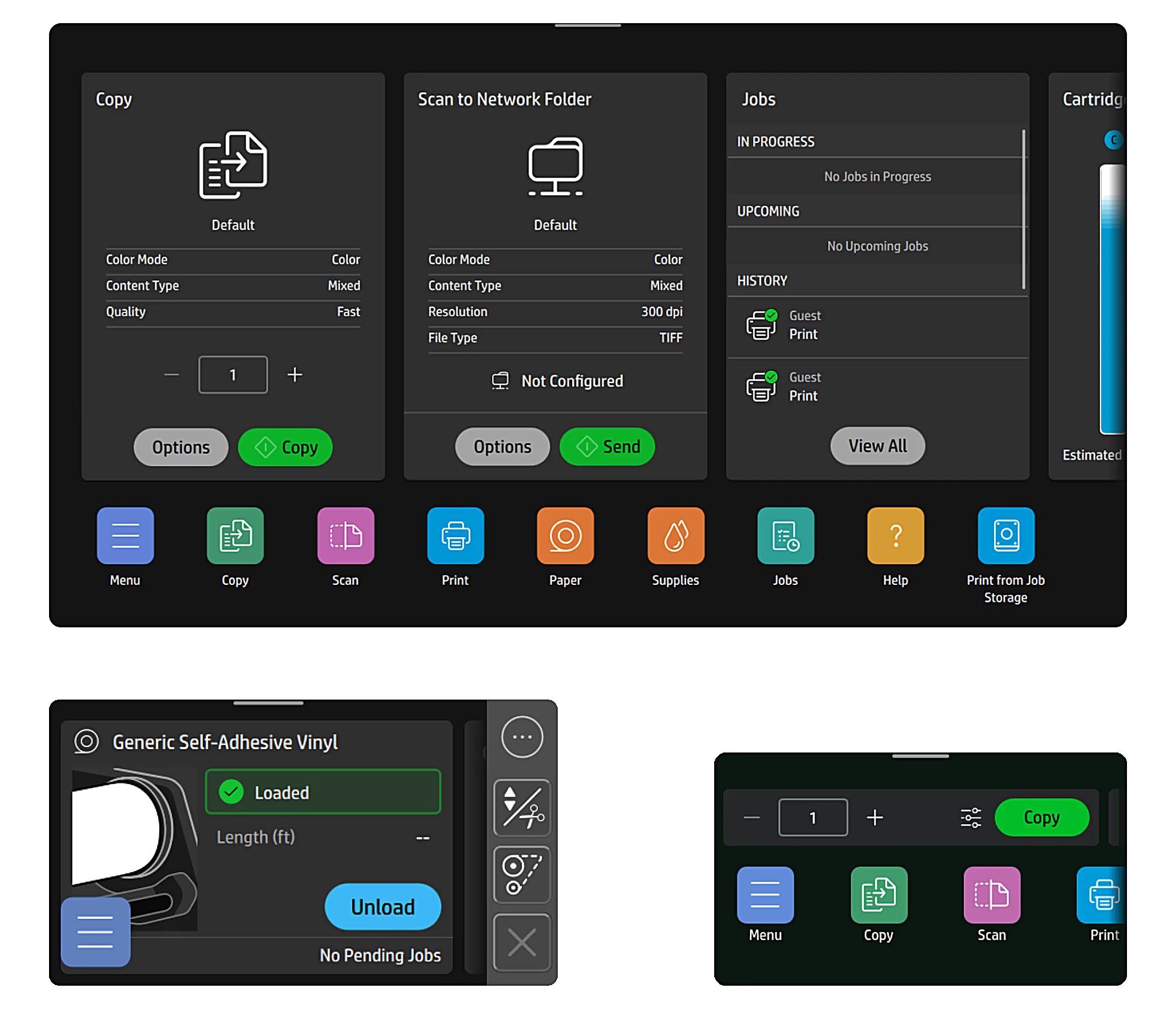
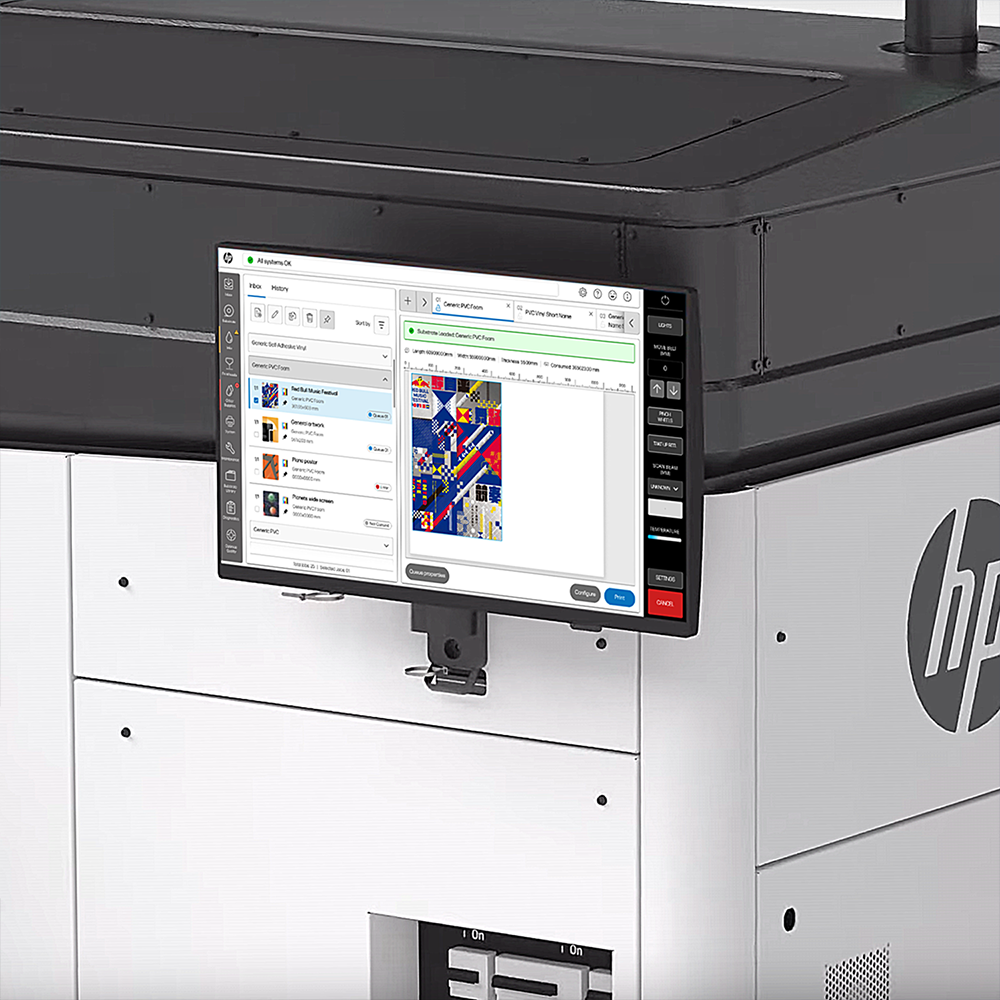
Interface design for HP Designjet printers.
n this project, I was part of the team responsible for improving the user experience of the HP DesignJet printer series, a range of professional large-format printers used by professionals and businesses across the architecture, engineering, and design sectors. These printers are designed to deliver quality and reliability, producing large-format prints with exceptional detail and color accuracy. They are commonly used by design studios, construction companies, and print service providers, who rely on them to streamline workflows, increase productivity, and consistently deliver high-quality results.
To respect confidentiality under my non-disclosure agreement, proprietary details have been withheld or adjusted in this case study. The insights provided are mine and do not represent HP’s views.
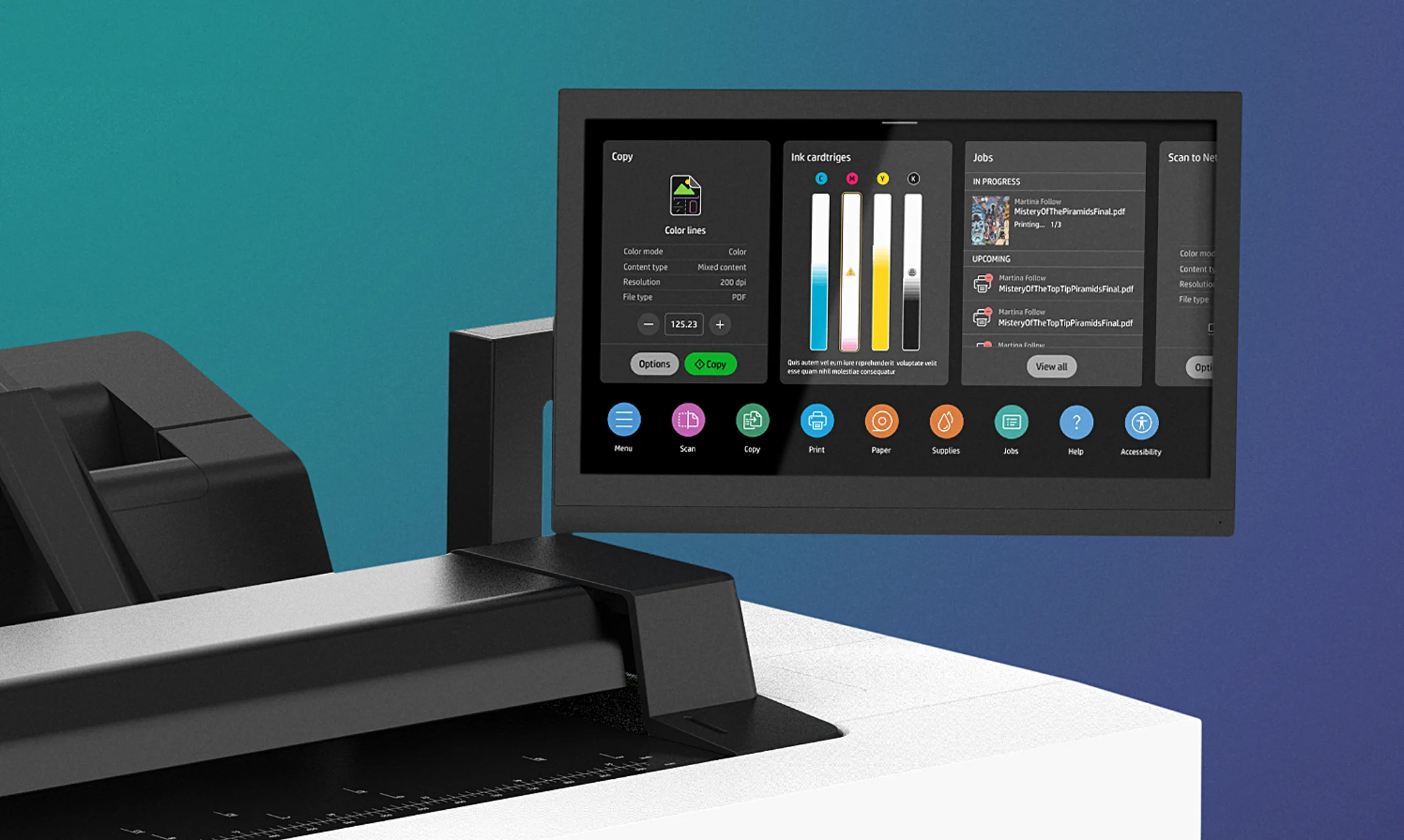
Overview
A world class printing experience
The HP DesignJet printers are designed for precision, reliability, and efficiency providing a world-class user experience to professionals in architecture, engineering, and design who require reliable tools to integrate into their workflows.
My role in the project
In this project, as a product designer, I was dedicated to enhancing the user interface of high-performance printing experience, optimizing and creating workflows to boost productivity without compromising on quality by creating intuitive soutions to meet the user’s needs.
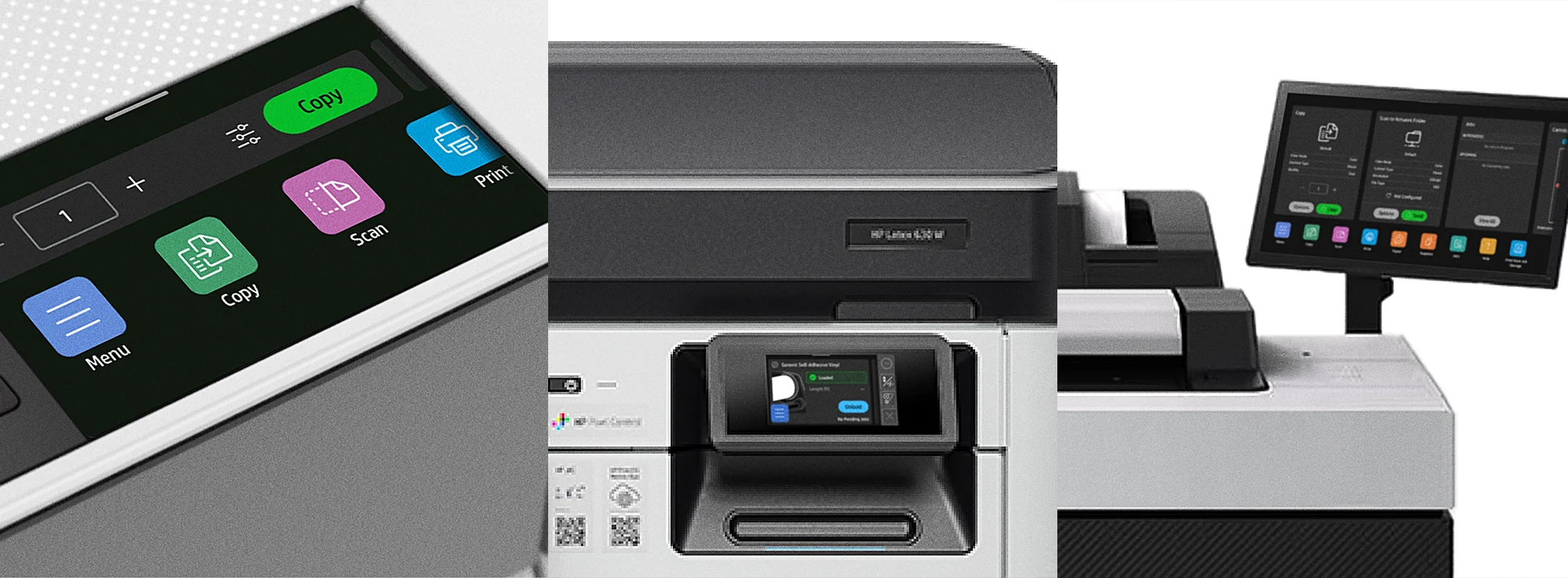
The challenge
Optimize the UI for medium and small format printers
How to improve and continue delivery value though with an excellent user printing experience? For this, we continuously refresh our knowledge of our users needs and pains, hardware, and software updates to uncover ways on how to improve the printing experience.
Implementing new features to improve the printing experience
Any new feature or improvement requires updating our knowledge through field research to understand the context and capture insights into the user’s interaction with UI, pinpointing specific pain points and opportunities for improvement. Then I translate all this data into actionable items which, alongside the engineering feedback will be useful to define the path to follow when defining the design solution.
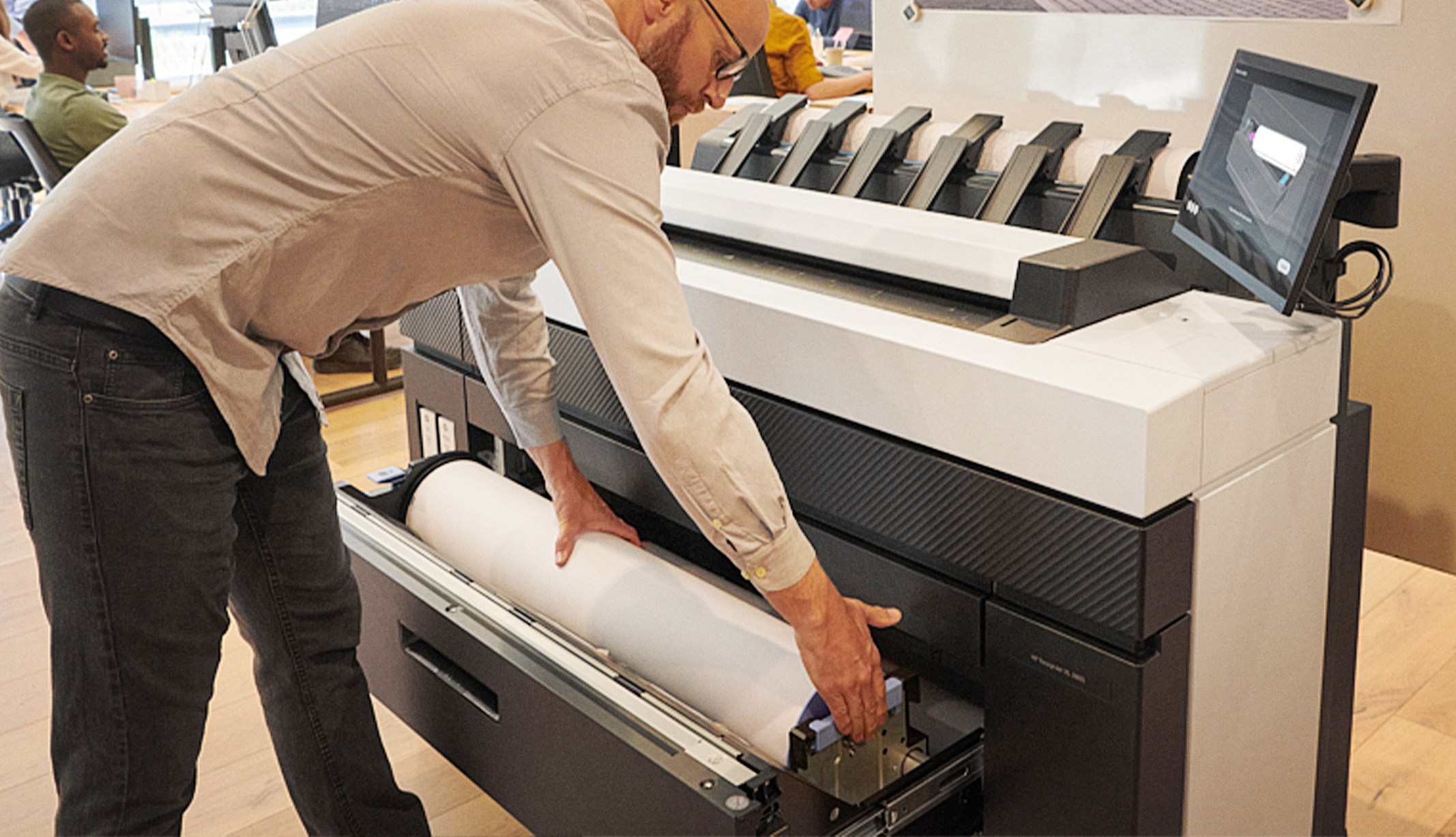
Discovery
Understanding of the user evolving needs
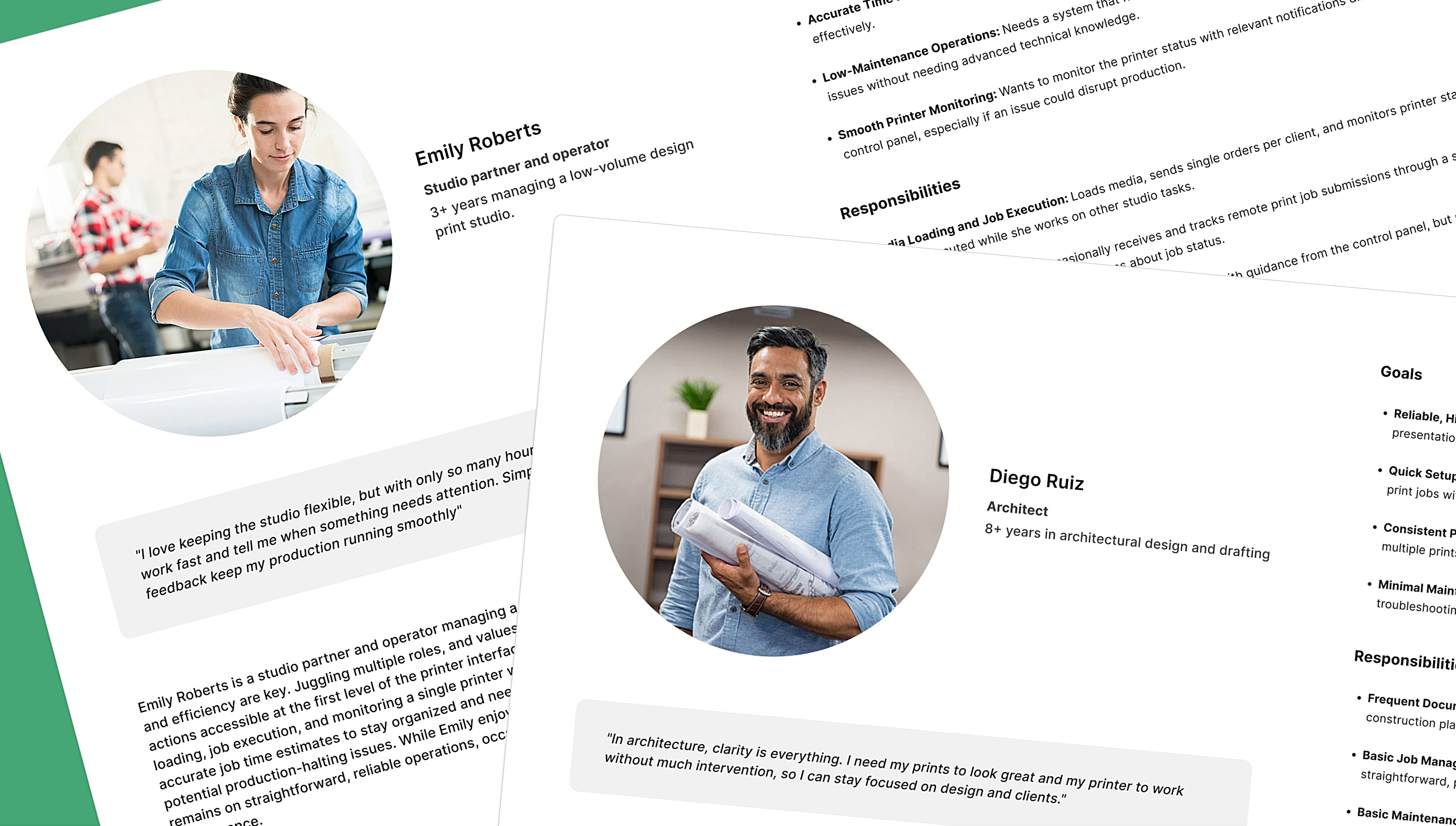
Observing and interviewing the user directly within their work environments is important because it might bring new insights into the user personas which needs to be updated to ensure they accurately reflect the realities of users’ roles and workflows.
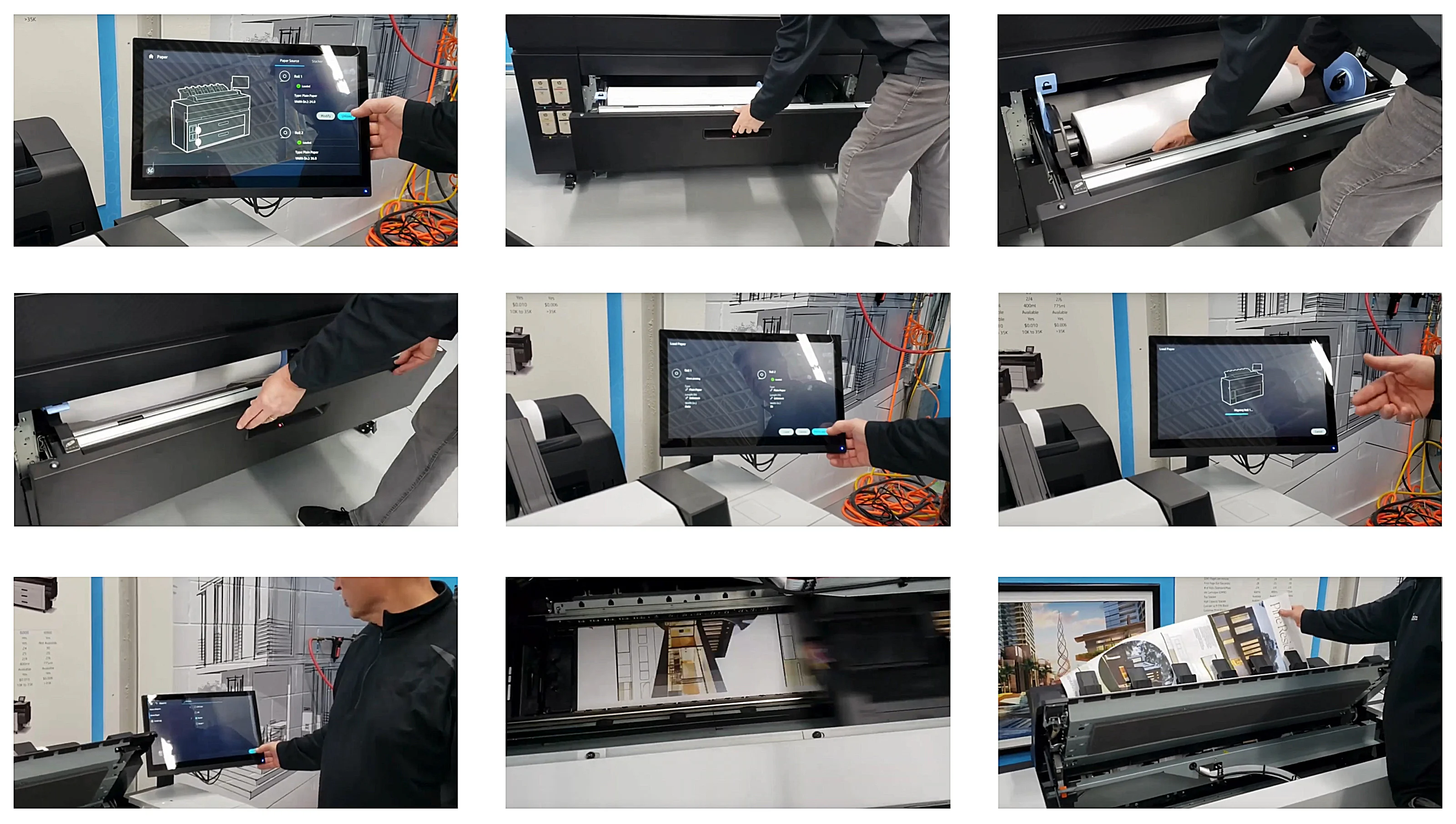
Understanding the current state of the printing experience
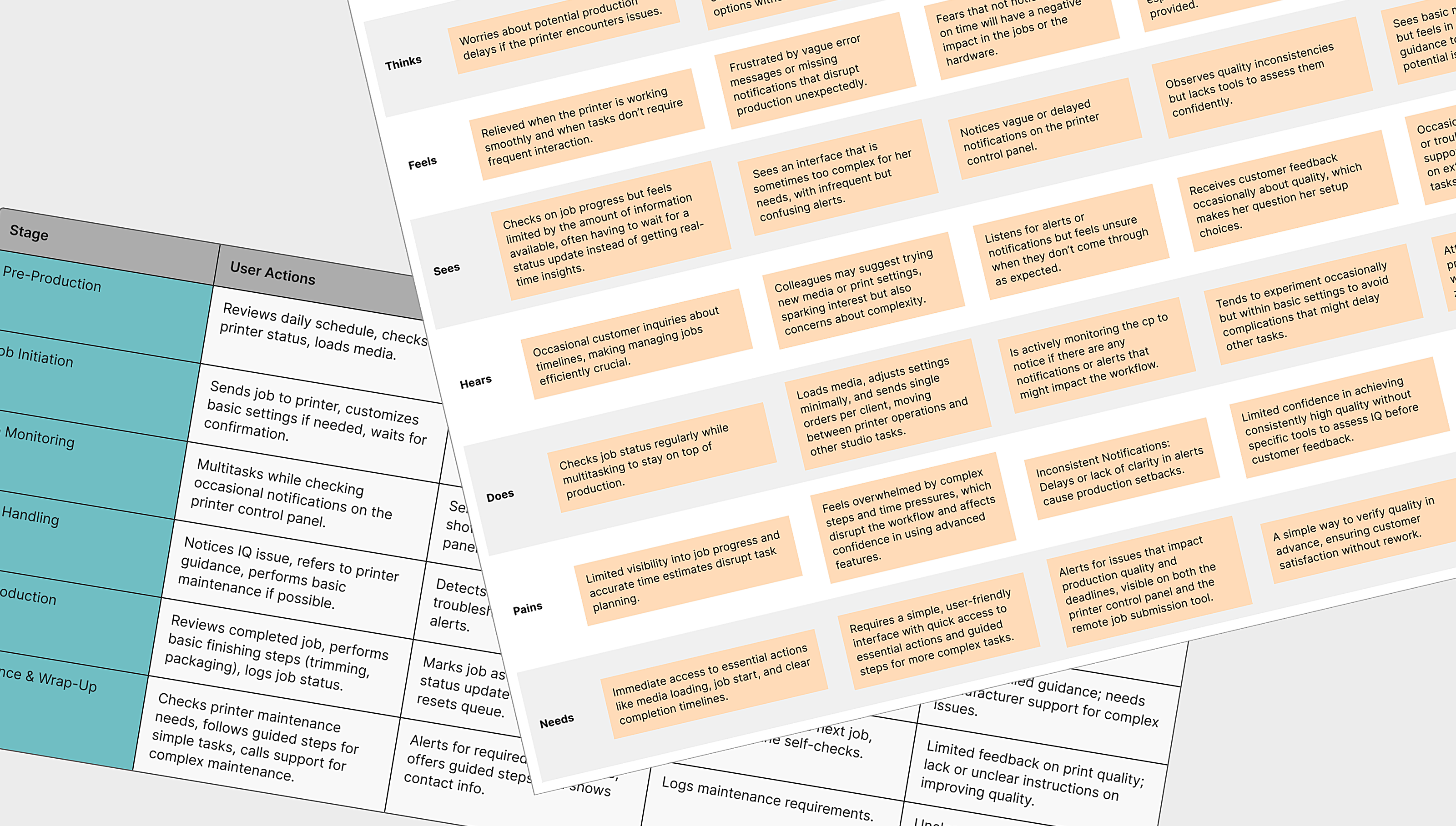
To translate field research into actionable insights, I use methods like empathy maps, service blueprints, and user journey mapping, each of which provides unique perspectives on user interactions and needs.
Defining the objectives
With comprehensive insights from the research, we clearly define the objectives for each feature implementation.
- Simplify the user flows and reduce complex navigation.
- Ensure accessible, clear visuals to ensure readability, supporting users in easily locating and interpreting information.
- Design step-by-step workflows to enable users to complete tasks efficiently, even with limited printer operation expertise.
- Integrate clear, real-time alerts, notifications, and statuses to provide users with immediate, actionable insights to avoid printing delays and errors.
- Build a flexible UI that can adapt to changes in user workflows, ensuring continued efficiency as user needs evolve.
Exploration
Udpating and improving user flow
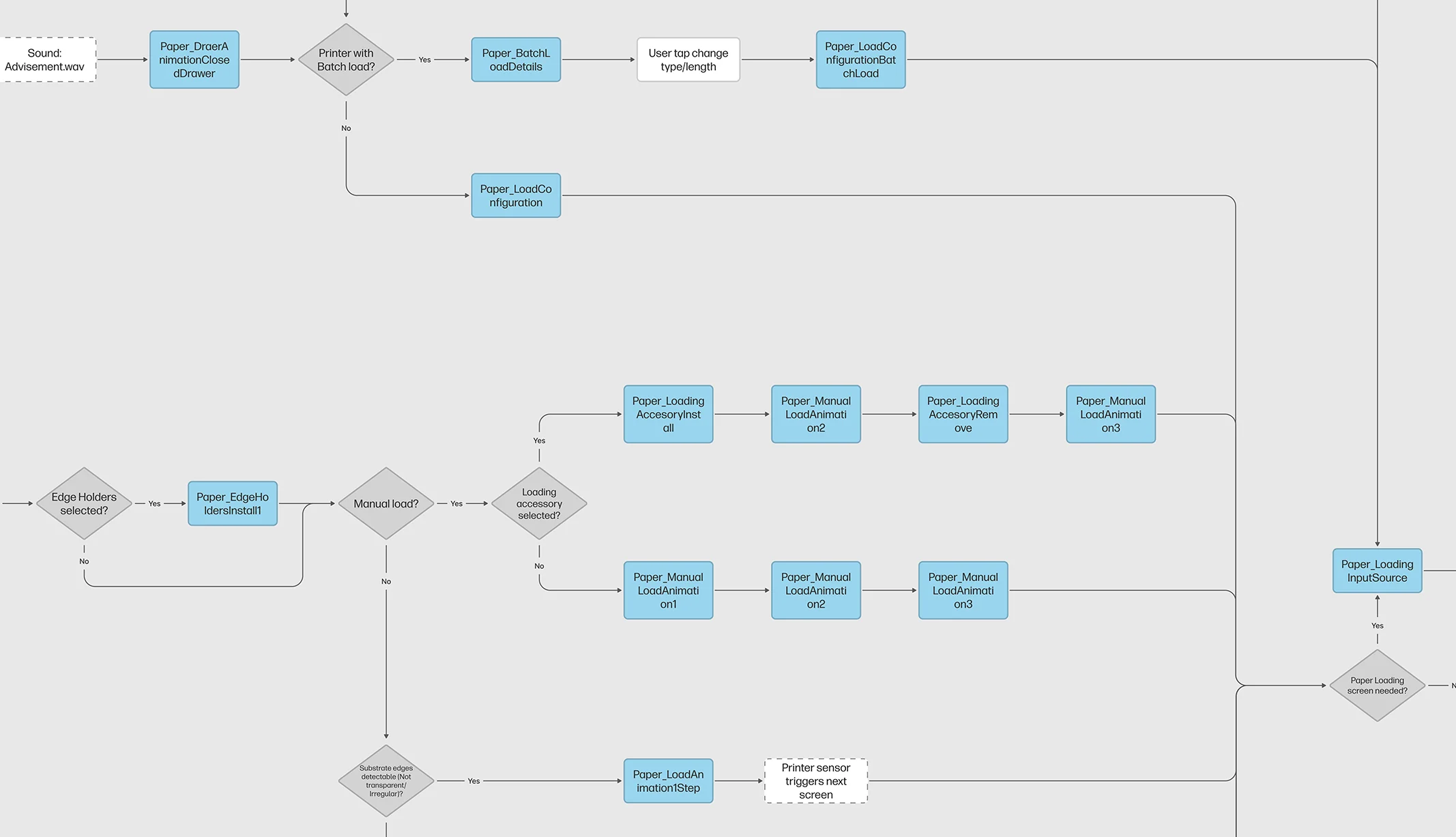
I analyze and define any new steps in the user flow to improve the interaction with the printer and pinpoint inefficiencies in the workflow. The objective is to identify redundant steps, complex sequences, and areas where users may encounter friction.
Sketching the screens and connections
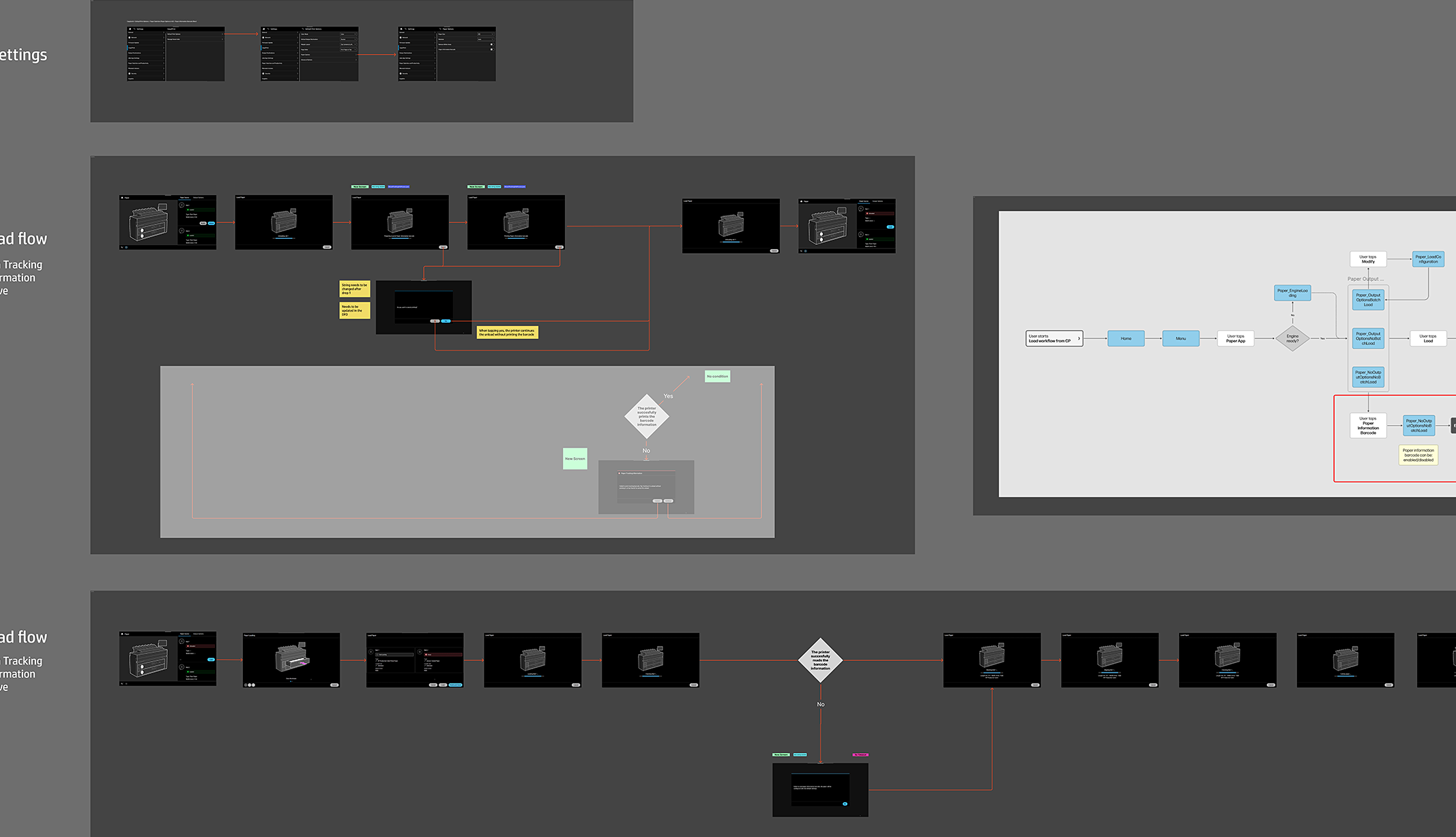
To visualize the solution, I sketch the screens and define how they connect across the user journey. Using low-fidelity screens and images makes it easy to quickly prototype and refine layouts, focusing on core functionality without being constrained by visual details.
This visualization facilitates rapid feedback and iterations, making it easier to validate the the design.
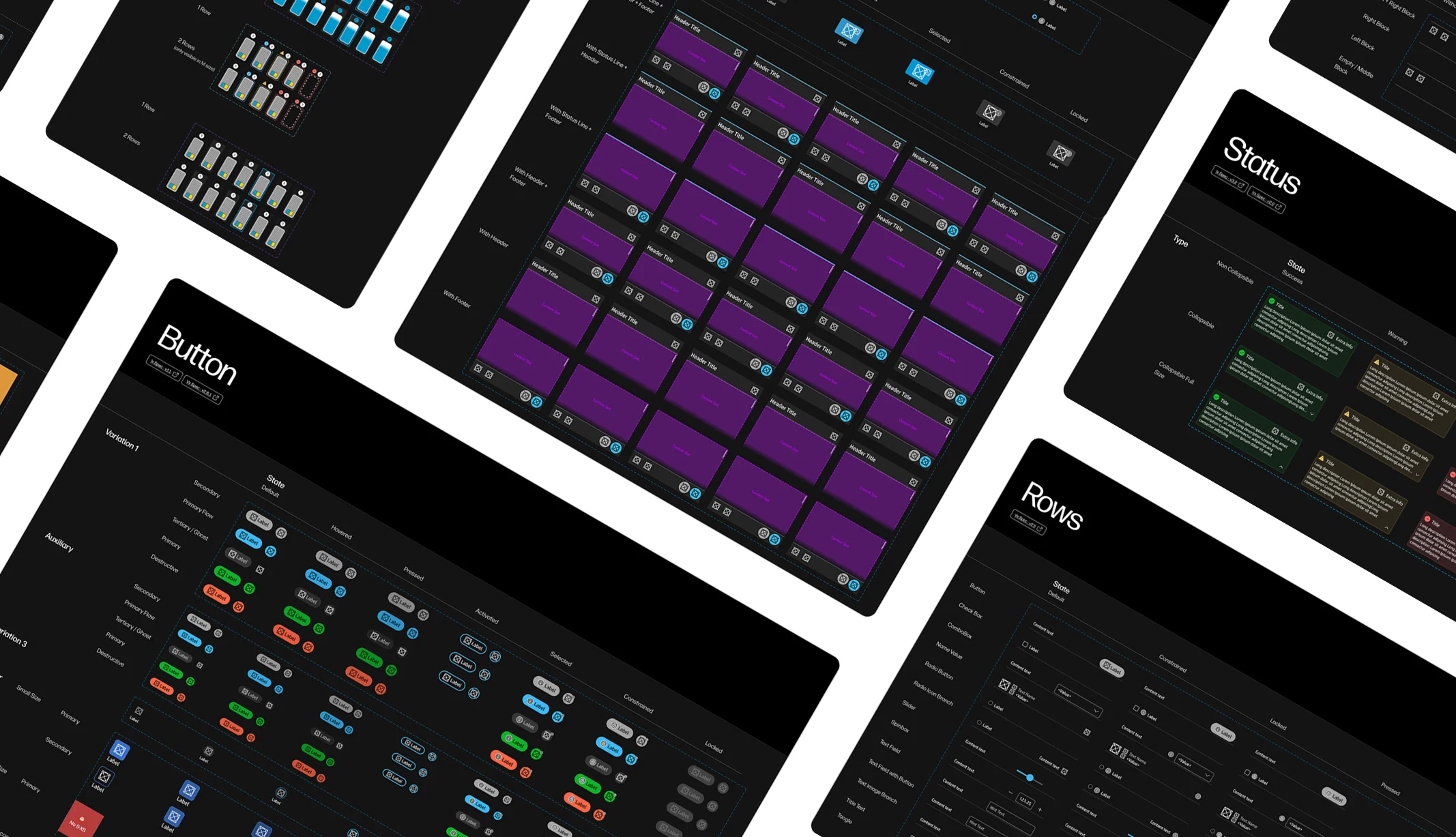
Creating the layouts using the design system
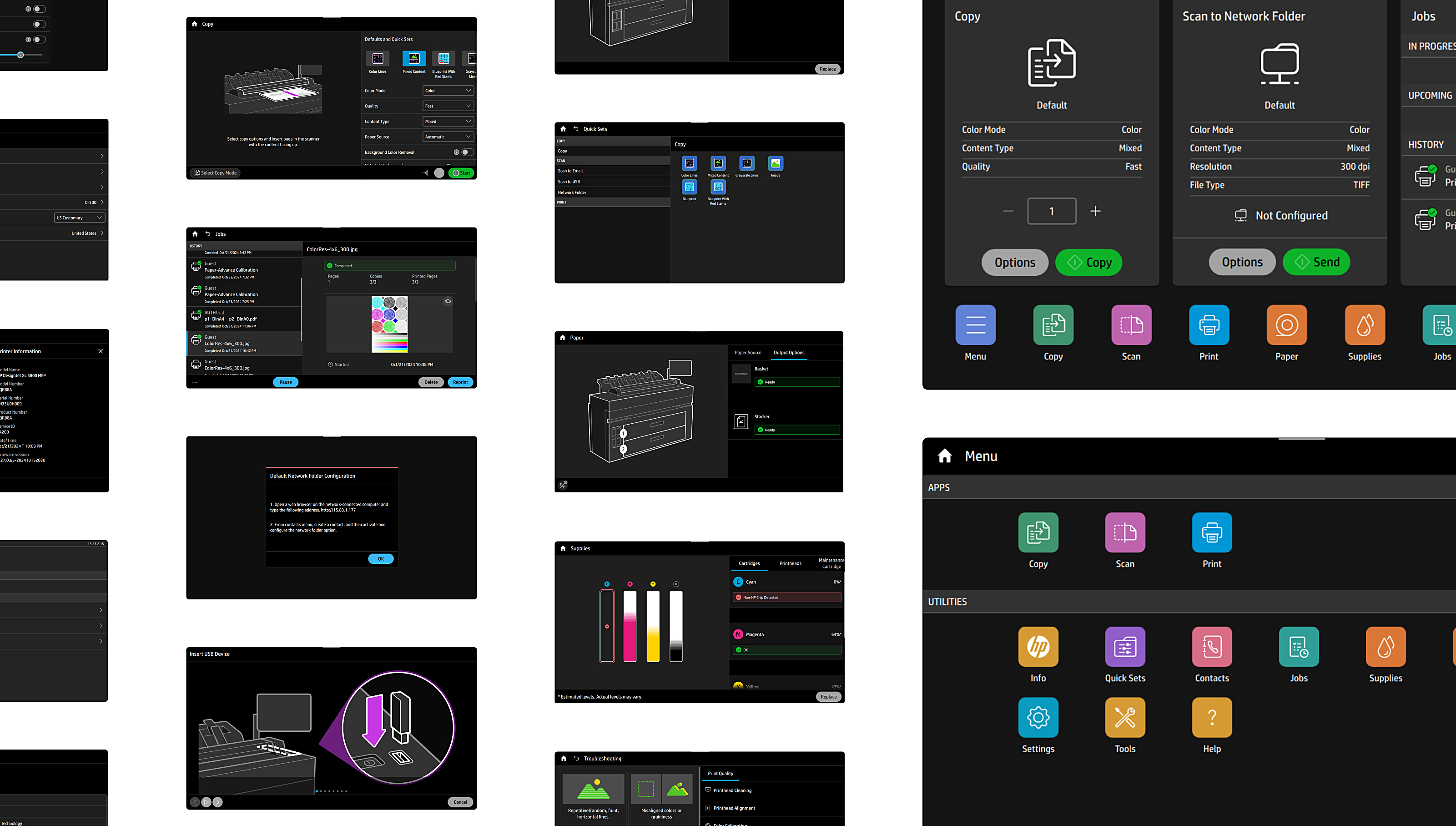
High-fidelity screens bring the user interface to life by using the design system. These screens reflect the functional requirements and align with the visual and interactive standards of the product family by ensuring the use of cohesive elements such as typography, color schemes, and iconography and usability across the platform.
Prototyping the design proposals
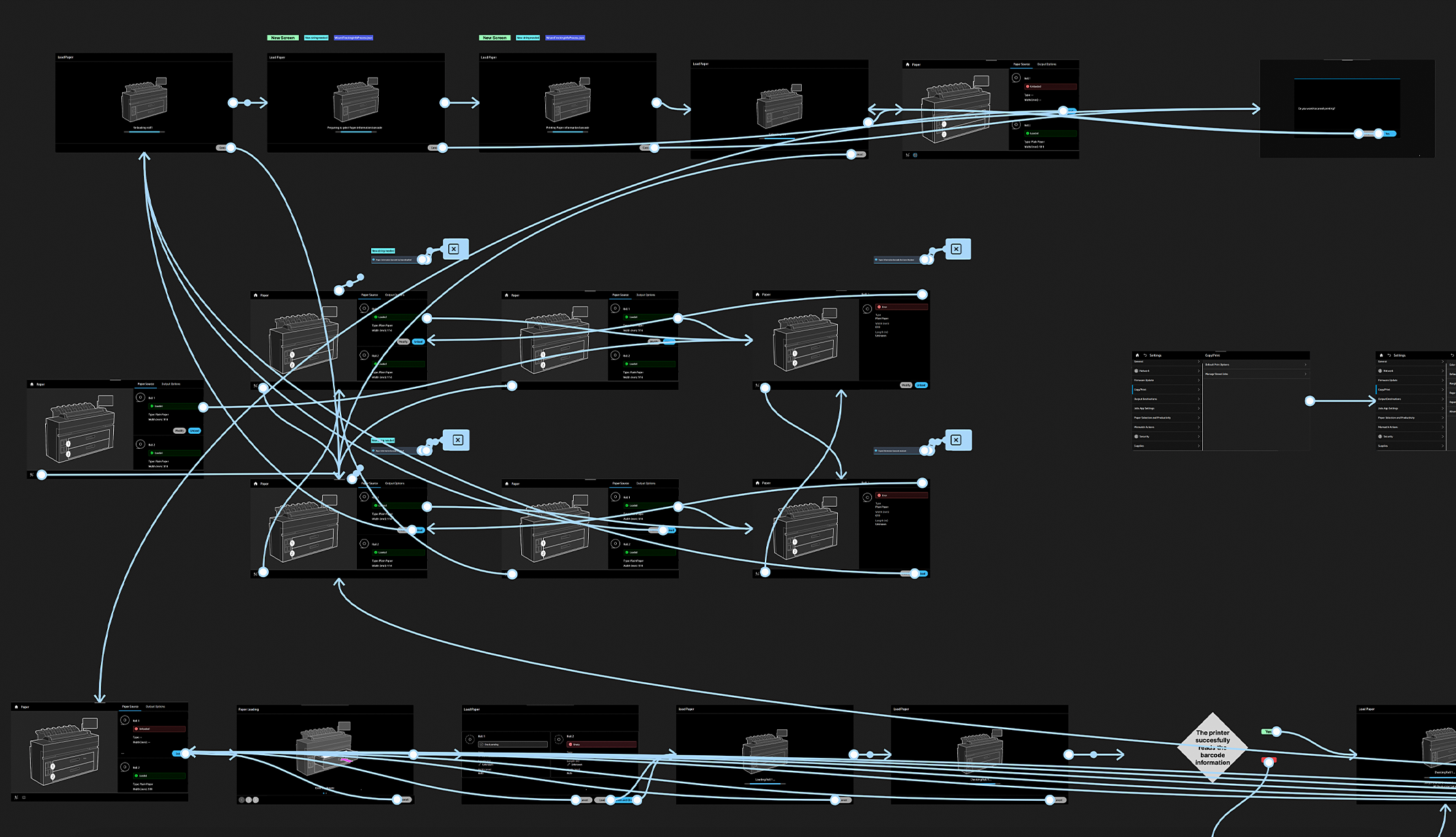
Transforming static screens into an interactive experience that closely mirrors the intended user journey is essential to continue validating and iterating the design. By using the prototyping tools, I connect and define the interaction between the screens, allowing users to test and navigate through the UI as they would in a real-world scenario.
The objective is to present an intuitive and efficient proposal that aligns with the user’s expectations before moving into the development phase.
The Solution
Design definition and documentation
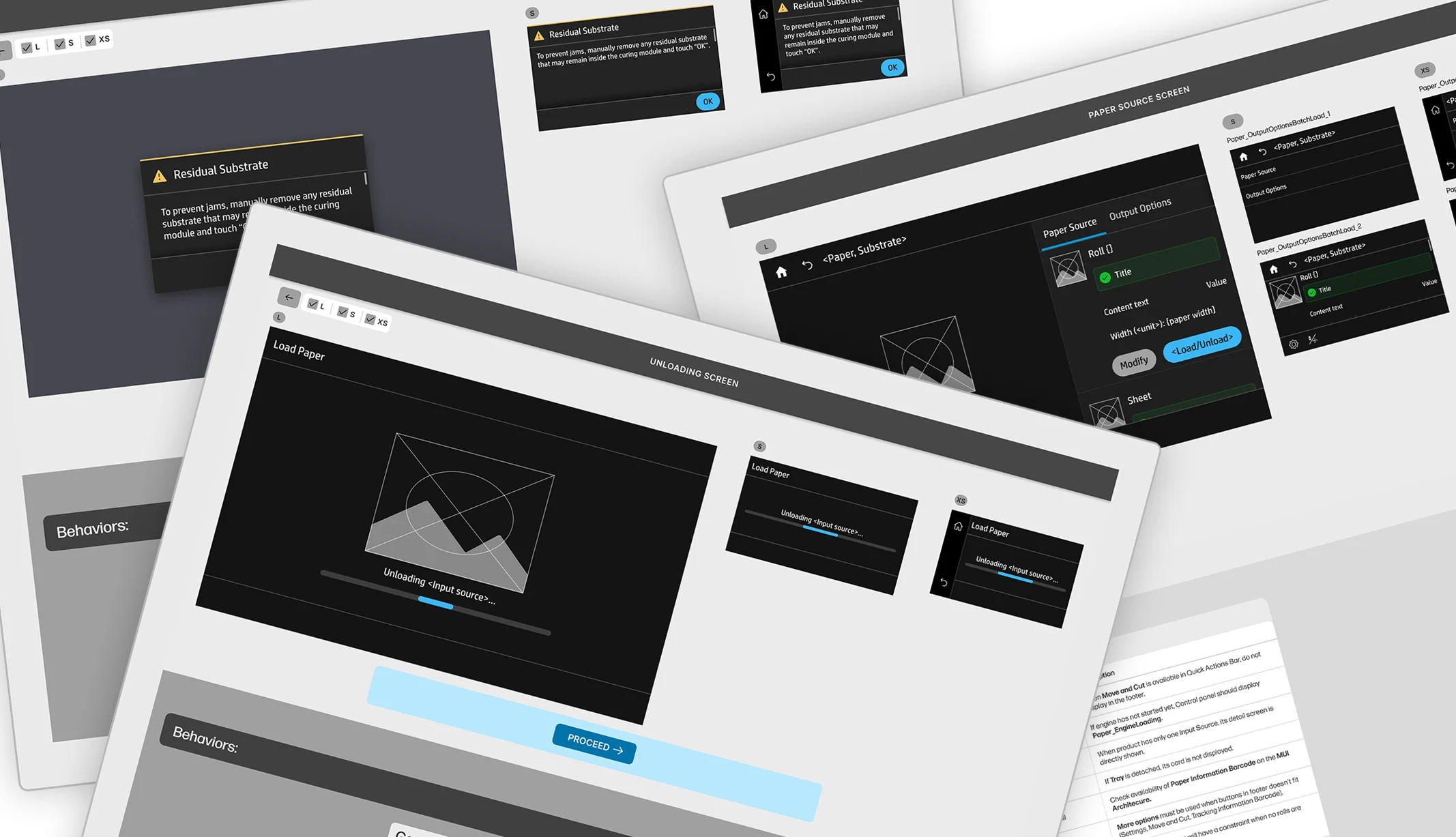
After completing the iterative design process and validating the solution, I prepare the documentation for handoff to the development team. This documentation encapsulates all critical elements of the design, including high-fidelity screens, interaction specifications, and user flow diagrams, ensuring a clear understanding of the intended functionality and user experience.
I include detailed annotations for each screen, outlining the behavior of interactive components and any specific requirements related to accessibility and responsiveness.
The Outcome
An optimized experience across systems
I’ve delivered improvements across several dimensions of the user interface, addressing both user needs and business goals.
- 19+ Optimized user flows.
- 6+ New features designed.
- Designed consistent solutions across 3 different printer systems.